None
EN
Comment on Freezing Finder? Dropbox and Overstuffed Folders May Be the Culprit by B. Jefferson Le Blanc
['Josh Centers']
Comments for TidBITS
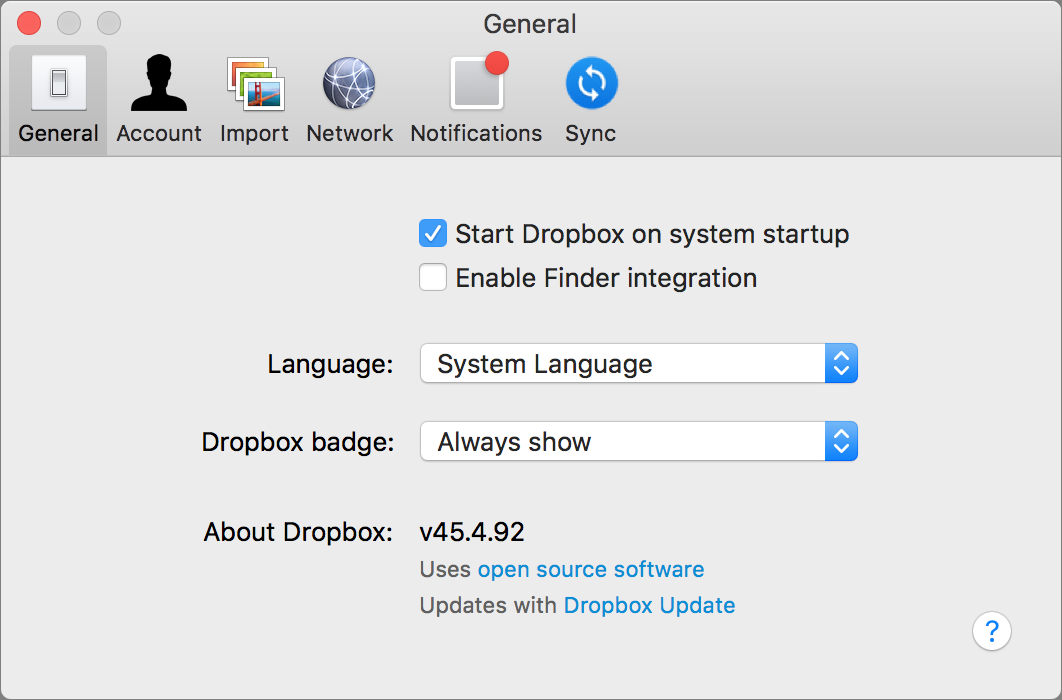
The downside to disabling Dropbox’s Finder integration is that doing so eliminates the sync icons in the Finder for files and folders synced with Dropbox, along with the special Dropbox options in the Finder’s contextual menu. It doesn’t make sense that this could be true of folders outside the Dropbox folder, but after I cleaned much of the junk out of my Downloads folder — it had over 1500 items in it and consumed over 26 GB — I was able to re-enable Dropbox’s Finder integration without bringing back the beachballs or freezes. So if you’re suffering from Finder problems along these lines, it’s worth toggling Dropbox’s Finder integration and taking a few minutes to clean out unnecessarily overstuffed folders.