None
EN
Where Are Screenshots Saved on Windows 10 and Windows 11?
['Benj Edwards', 'Nick Lewis']
How-To Geek
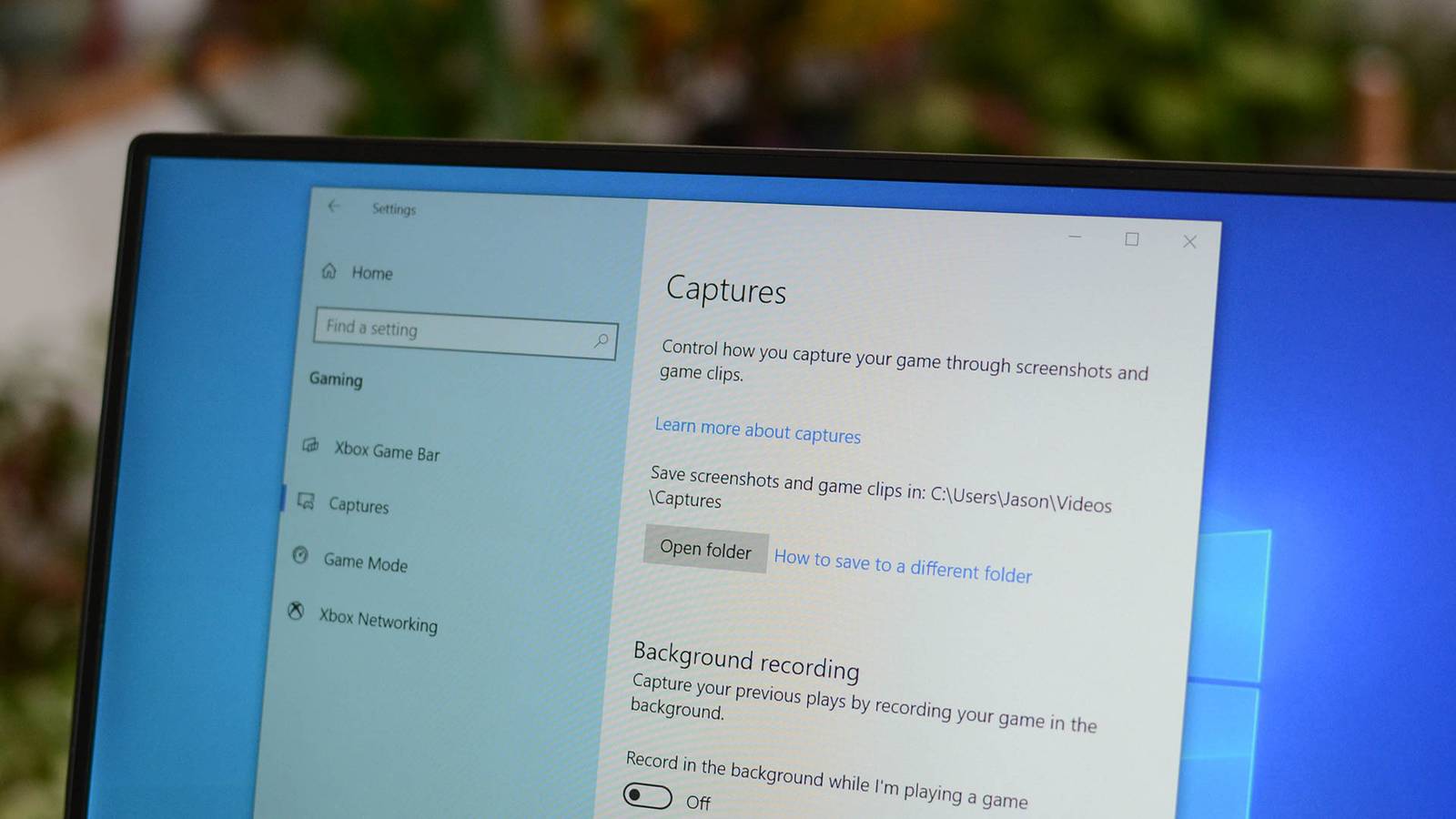
If you use the Windows+Print Screen keyboard shortcut to capture screenshots in Windows 10 or 11, Windows will save the image as a PNG file in your Pictures > Screenshots folder. If you have manually moved your Screenshots folder to another location using the Properties window, Windows will save the screenshots to whatever new location you chose instead. File Explorer will open to the location of that saved screenshot, and your other screenshots might be there too.