None
AF
The best funny and useful Siri commands for iOS and macOS
['Rachit Agarwal', 'Simon Chandler', 'Published August']
Digital Trends
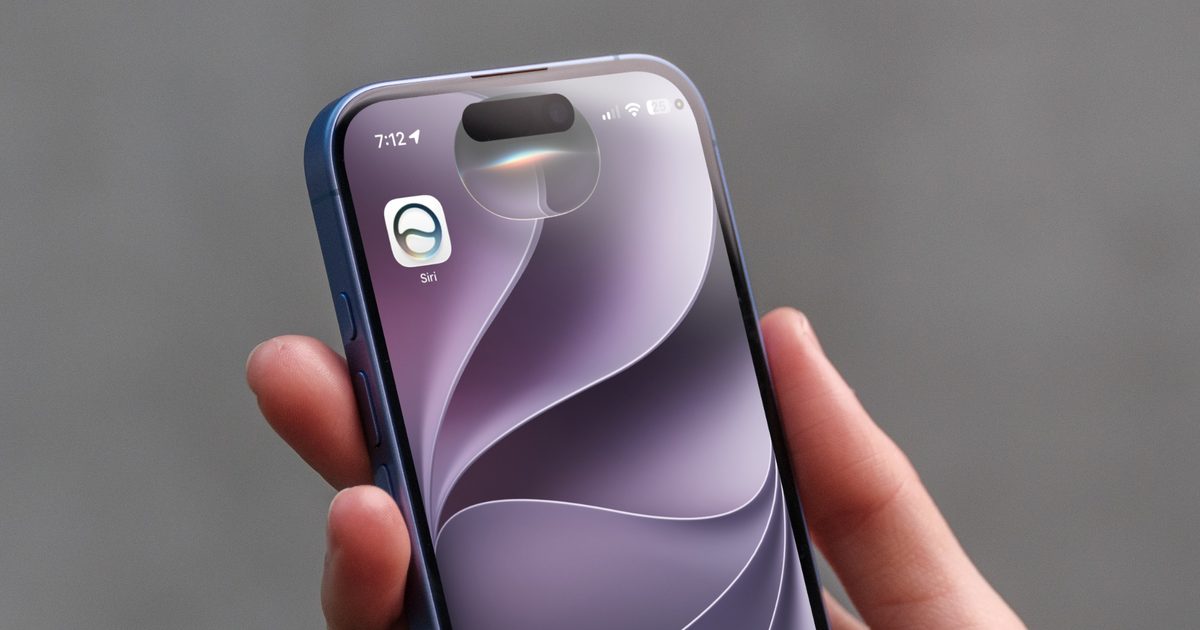
On newer iPhones, head to Settings → Apple Intelligence & Siri (or only Siri in iOS 27) to check (older, non-Apple Intelligence devices still use the classic Settings → Siri & Search path). Turn on Listen for “Hey Siri” in the same settings menu, then just say “Hey Siri” out loud. Check that Siri’s actually enabled under Settings → Apple Intelligence & Siri , and that “Listen for Siri” is toggled on.