None
RU
How to replace swipe gestures with a tap on Samsung Galaxy phones
['Sumit Adhikari']
SammyGuru
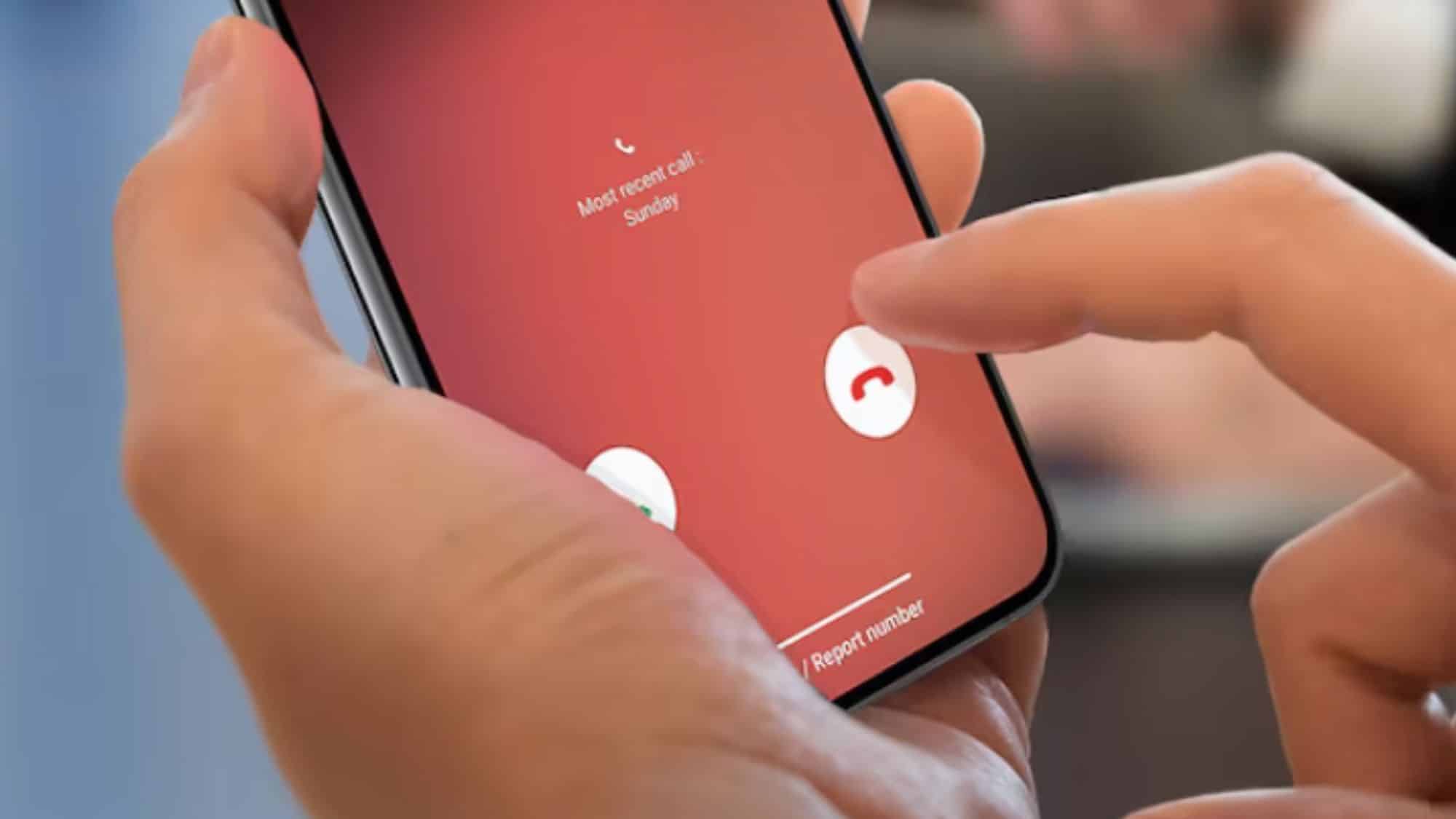
By default, Samsung Galaxy phones use swipe gestures for several actions, including answering or rejecting calls and dismissing alarms and alerts.
A simple tap can make answering calls easierNormally, answering an incoming call requires you to swipe the answer icon across the screen.
Thankfully, Samsung’s One UI offers a built-in accessibility feature that can replace these swipe gestures with a simple tap, making everyday interactions a little easier.
I’ve been using this setting for quite some time, and it has made a noticeable difference, particularly when answering calls.
You’ll find a bunch of additional options there, including switching the call gesture from swipe to tap.