None
EN
Don't blame yourself for bad 3D prints—here's how to fix most common problems
['Tim Brookes']
How-To Geek
Understanding the underlying cause of a bad print is crucial to correcting it and will help you avoid problems in the future.
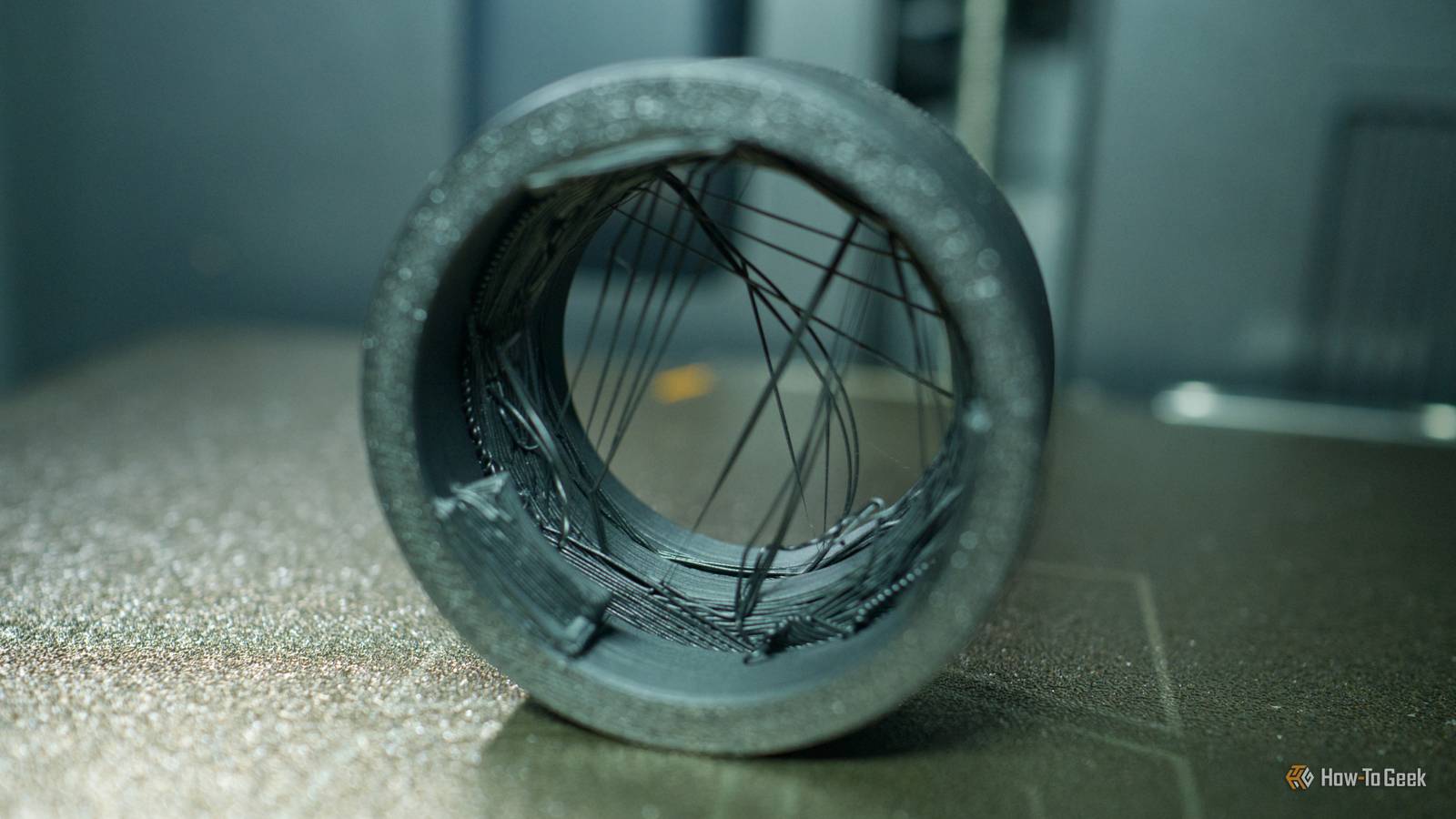
It’s caused by a nozzle that oozes filament, even when extrusion isn’t supposed to be happening.
Not using supports can cause sagging and overhang problemsYour slicer should warn youSupports are a necessary evil in 3D printing.
Bed adhesion problems result in a spaghetti messThe fix is simpleCredit: Tim Brookes / How-To GeekBed adhesion issues occur when a print just won’t stay in place.
It’s not always your fault”Bad” models are an uphill battleCredit: Tim Brookes / How-To GeekCredit: Tim Brookes / How-To GeekCredit: Tim Brookes / How-To GeekCredit: Tim Brookes / How-To GeekCredit: Tim Brookes / How-To GeekCredit: Tim Brookes / How-To GeekClose Credit: Tim Brookes / How-To GeekCredit: Tim Brookes / How-To GeekCredit: Tim Brookes / How-To GeekCredit: Tim Brookes / How-To GeekCredit: Tim Brookes / How-To GeekCredit: Tim Brookes / How-To GeekIn my experience, most failed prints come down to bed adhesion issues.