None
EN
How to Log In to Procore and Access Your Projects
['Milan Stanojevic', 'Windows Toubleshooting Expert', 'Milan Has Been Enthusiastic About Technology Ever Since His Childhood Days', "This Led Him To Take Interest In All Pc-Related Technologies. He'S A Pc Enthusiast", 'He Spends Most Of His Time Learning About Computers', 'Technology.', 'Before Joining Windowsreport', 'He Worked As A Front-End Web Developer. Now', "He'S One Of The Troubleshooting Experts In Our Worldwide Team", 'Specializing In Windows Errors']
Windows Report
How to Log In to Procore and Access Your ProjectsUse Procore to access your projects, documents, schedules, drawings, RFIs, and submittals.
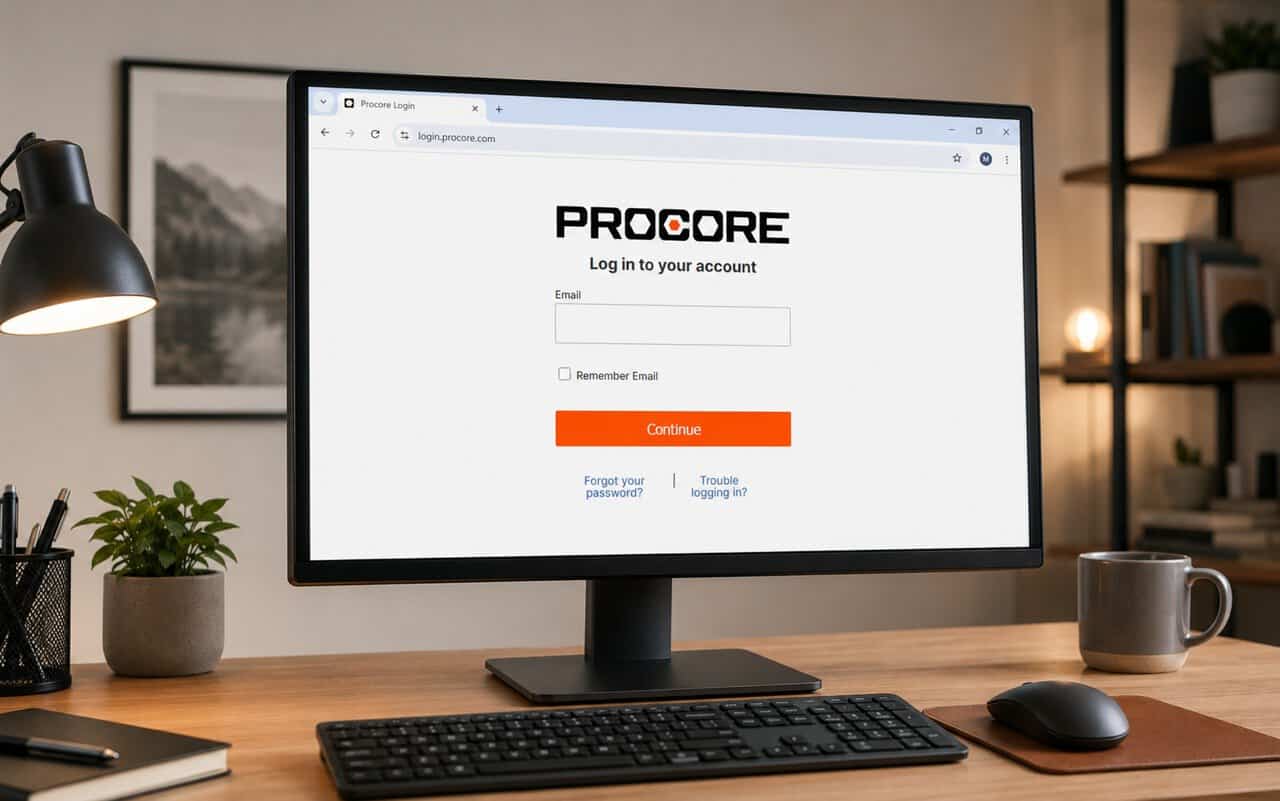
Use the Procore login pageMake sure you have your account email address and password ready before signing in.
Log in to the Procore mobile appInstall the official Procore app and use the same account details as your desktop login.
Complete Procore MFA verificationIf your company enables multi-factor authentication, Procore will request a verification code after you enter your login details.
You need an invitation or access from a company administrator before you can open that company’s Procore projects.