None
EN
Android rolls out local ‘Documents’ backup that syncs to Google Drive
['Abner Li', 'Ben Schoon']
9to5Google
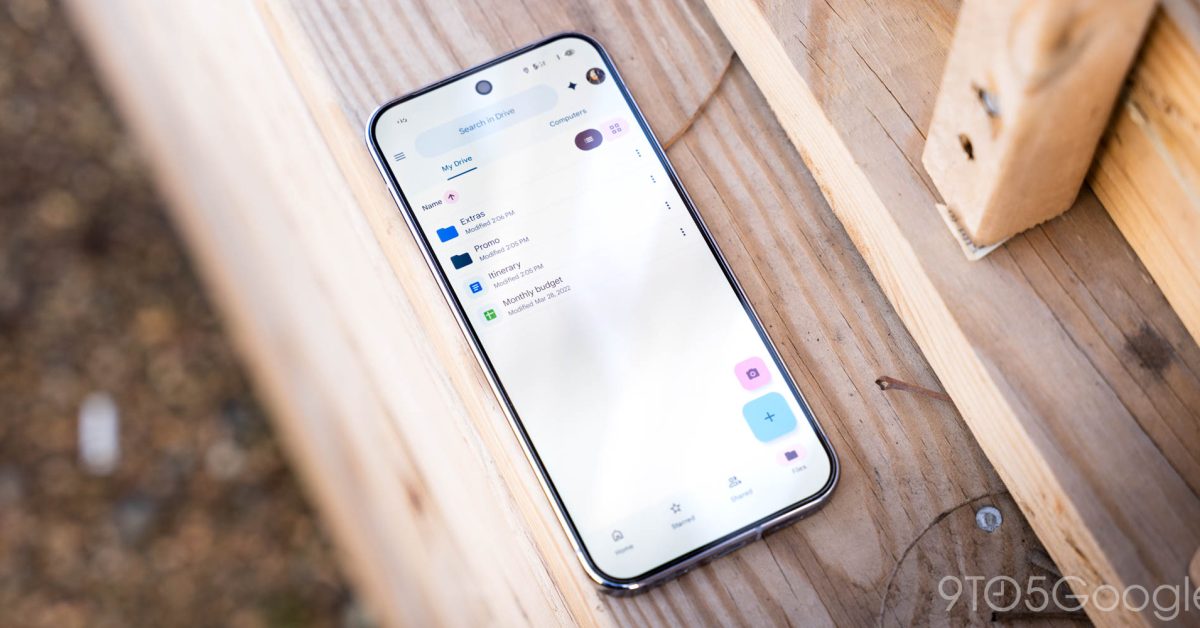
Google now lets Android users automatically upload files and other downloads from their phone or tablet to Google Drive thanks to a new “Documents” backup.
This local backup option stores files you’ve saved to your device, like downloads from Chrome, to Google Drive.
If you turn off this feature, the “previous backup won’t be deleted from Google Drive.”
To enable, go to Settings > Accounts and backup > Google Backup (on Pixel) for a new “Documents” menu between Photos & videos and Other device data.
As of today, we’re seeing Documents backup with the latest stable version of Google Play services (26.26) on several devices.