None
EN
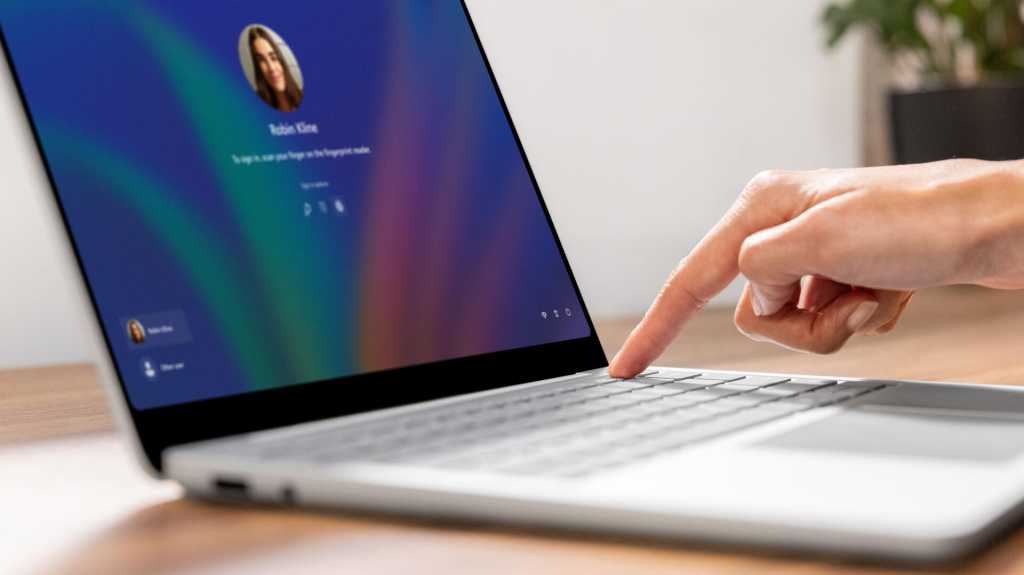
Windows 11 brings fingerprint sign-in to desktop PCs
['More This Author', '.Wp-Block-Co-Authors-Plus-Coauthors.Is-Layout-Flow', 'Class', 'Wp-Block-Co-Authors-Plus', 'Display Inline', '.Wp-Block-Co-Authors-Plus-Avatar', 'Where Img', 'Height Auto Max-Width', 'Vertical-Align Bottom .Wp-Block-Co-Authors-Plus-Coauthors.Is-Layout-Flow .Wp-Block-Co-Authors-Plus-Avatar', 'Vertical-Align Middle .Wp-Block-Co-Authors-Plus-Avatar Is .Alignleft .Alignright']
PCWorld
Windows Hello Enhanced Sign-in Security (ESS) now supports external fingerprint sensors.
With this update, this secure sign-in option extends beyond devices with integrated fingerprint sensors to desktop PCs and other Windows 11 PCs, including Copilot+ PCs.
Fingerprint sign-in will now be available on Windows 11 desktop computers, as well as Copilot Plus computers without built-in fingerprint readers.
To get started with fingerprint authentication, you’ll need to connect a reader that supports Enhanced Sign-in Security, and then follow the instructions under Settings > Accounts > Sign-in options.
Microsoft first announced the feature back in January, but it is only now that it has begun rolling out to Windows 11 25H2 and 24H2 users.