None
EN
Make sense of your epic screen recording by adding a voiceover
['D. Griffin Jones']
Cult of Mac
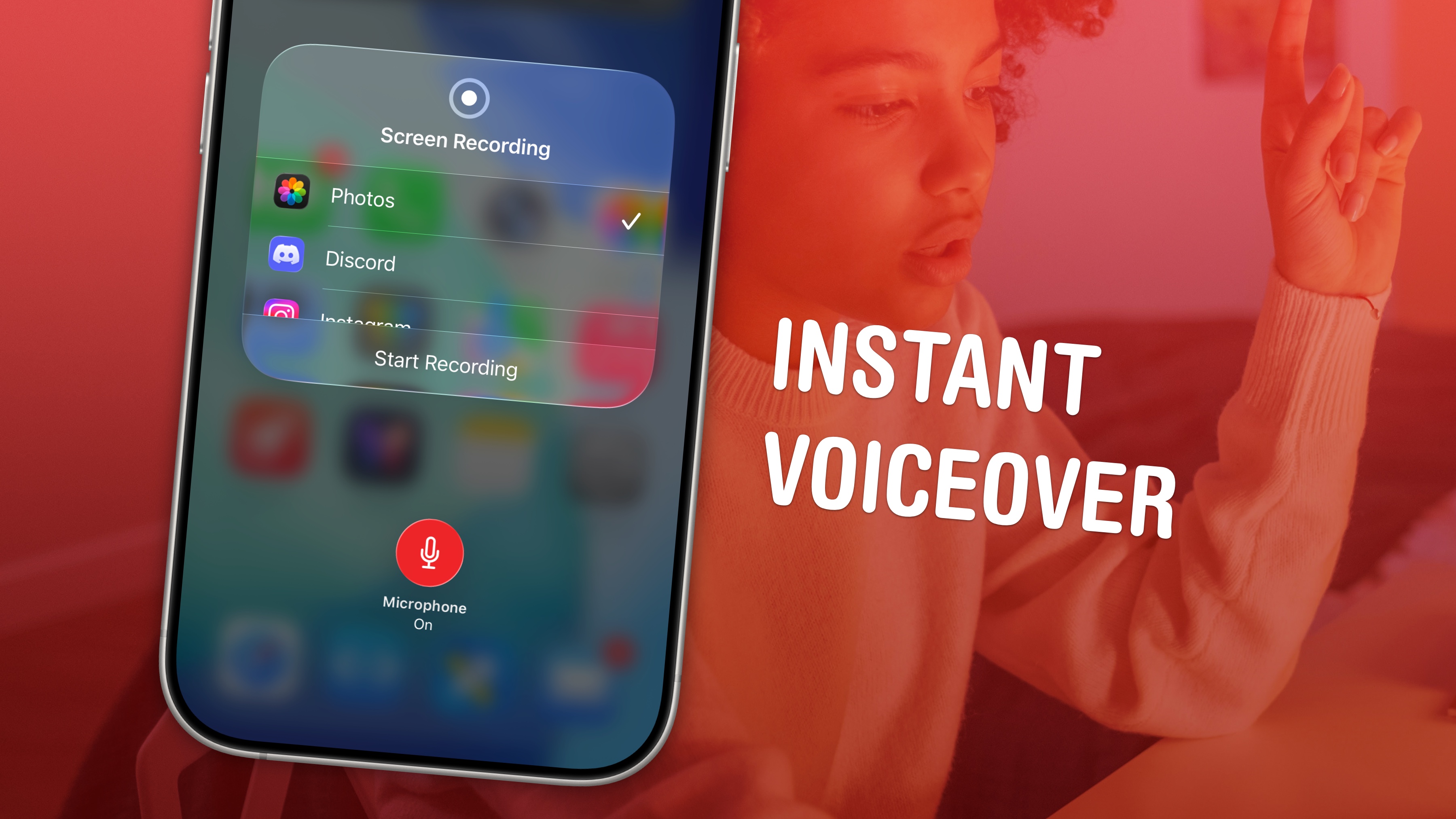
You can record your screen with audio (and a voiceover) on your iPhone to talk over your video.
How to record your screen with audio (and voiceover) on iPhoneiOS 11 added screen recording to the iPhone and iPad, allowing you to make videos of your device’s screen.
Table of Contents:Add Screen Recording to Control CenterThe only way to record your screen is to add a button for it in Control Center.
From the top section you see, tap Screen Recording to add the button in.
Tap and hold the Screen Recording buttonInstead of tapping the Record button, tap and hold it.