None
EN
What to Do If You Forget Your Android Phone's PIN, Pattern, or Password
['Joe Fedewa', 'Nick Lewis']
How-To Geek
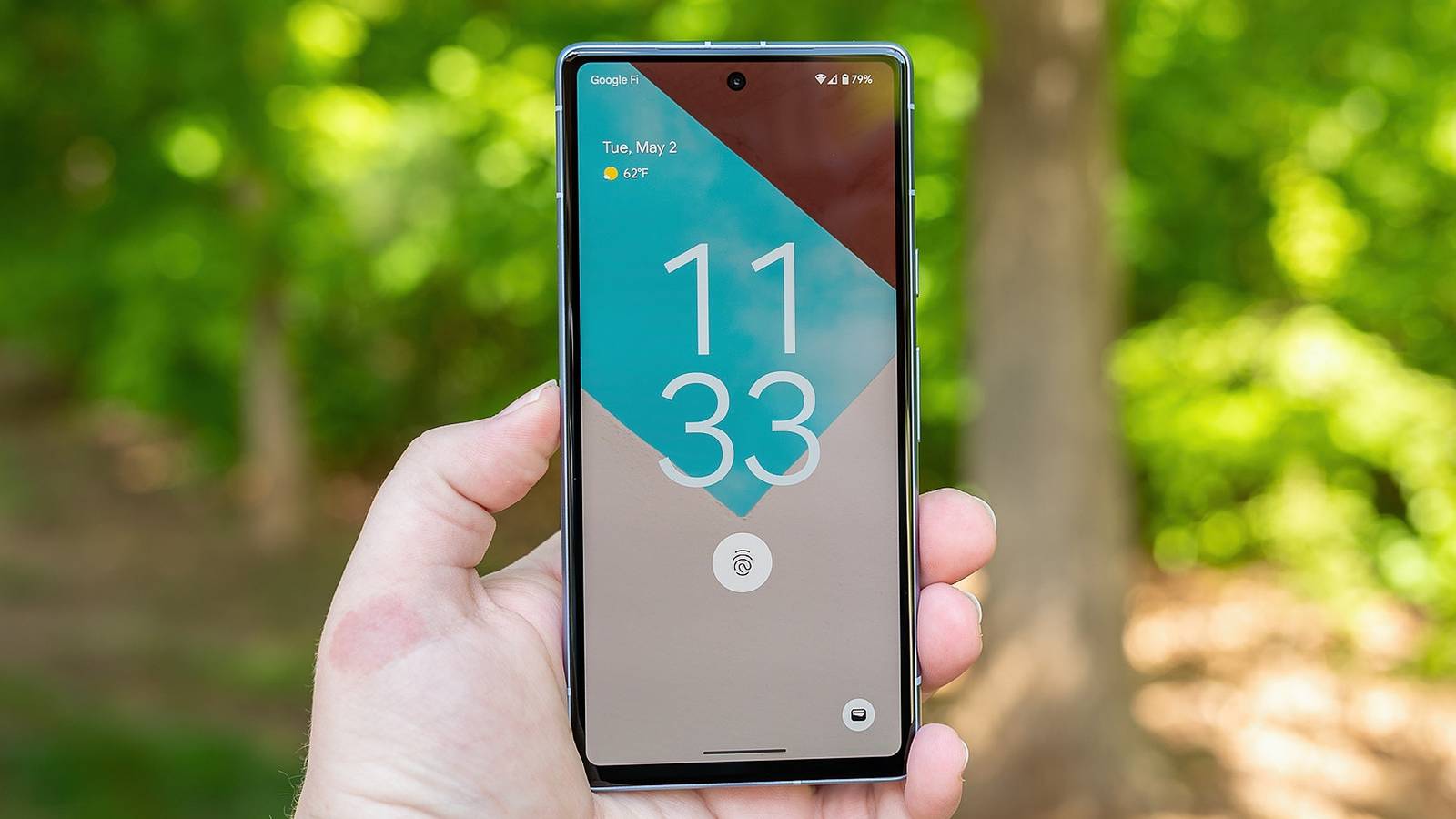
Even if you use a fingerprint or Face Unlock to secure your Android phone, neither of those methods can be used as the "main" security method. You can use Samsung's SmartThings Find tool to unlock the device and reset the lock screen security remotely. Simply sign in with the same Google account as your phone at google.com/android/find, choose the locked device, and click "Factory reset device."