None
RU
WhatsApp Brings Strict Account Settings for Maximum Security
['Binay Konwar']
SammyGuru
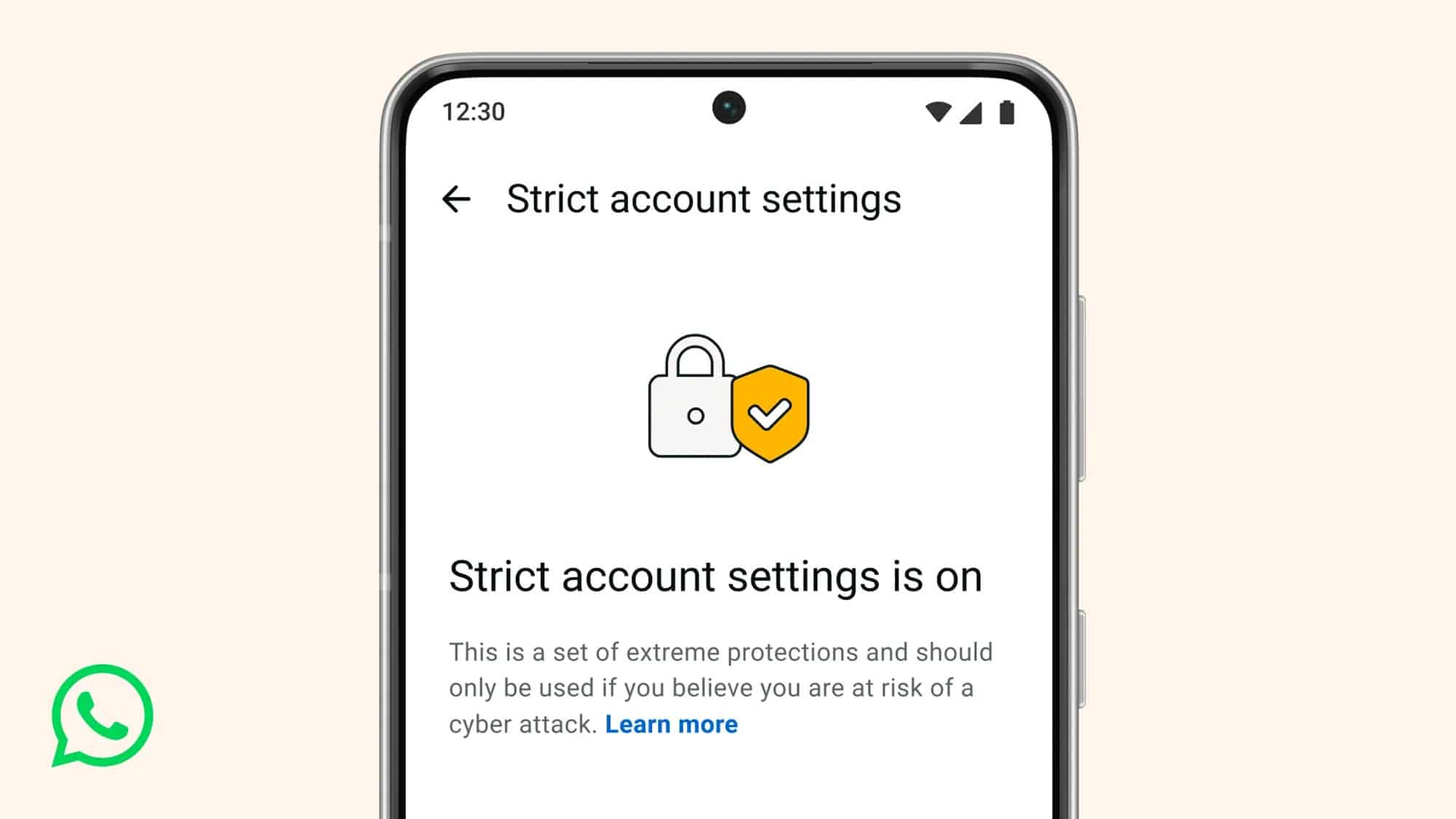
Dubbed Strict Account Settings, this feature offers safeguards to users against highly sophisticated cyber attacks.
Strict Account Settings now offer extra protection against rare but serious threats.
The new security feature basically works like a lockdown mode for your account.
To turn on Strict Account Settings, you need to navigate to this route: tap three dots> Settings> Privacy> Advanced.
Once enabled, you can see all locked settings via Strict account settings > View locked settings.