None
EN
I removed ads and recommendations from my Fire TV with these settings
['Pankil Shah', 'Jonathon Jachura']
MakeUseOf
Amazon doesn't exactly advertise the privacy controls buried in Fire TV's settings menus.
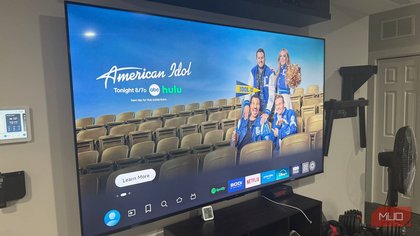
The fix exists, but Amazon tucked it away under Settings > Preferences > Featured Content.
The privacy controls hide under Settings > Preferences > Privacy Settings.
Start with Settings > Preferences > Notification Settings, where you'll find every app that has permission to send you alerts.
Subscribe to the newsletter for hidden Fire TV fixes Get practical, step-by-step guides by subscribing to the newsletter—uncover more hidden settings, privacy controls, and device setup tips for Fire TV and other gadgets, so you can take control of how your devices behave.