None
EN
How to use your iPhone’s Live Captions to see subtitles for absolutely anything
['D. Griffin Jones']
Cult of Mac
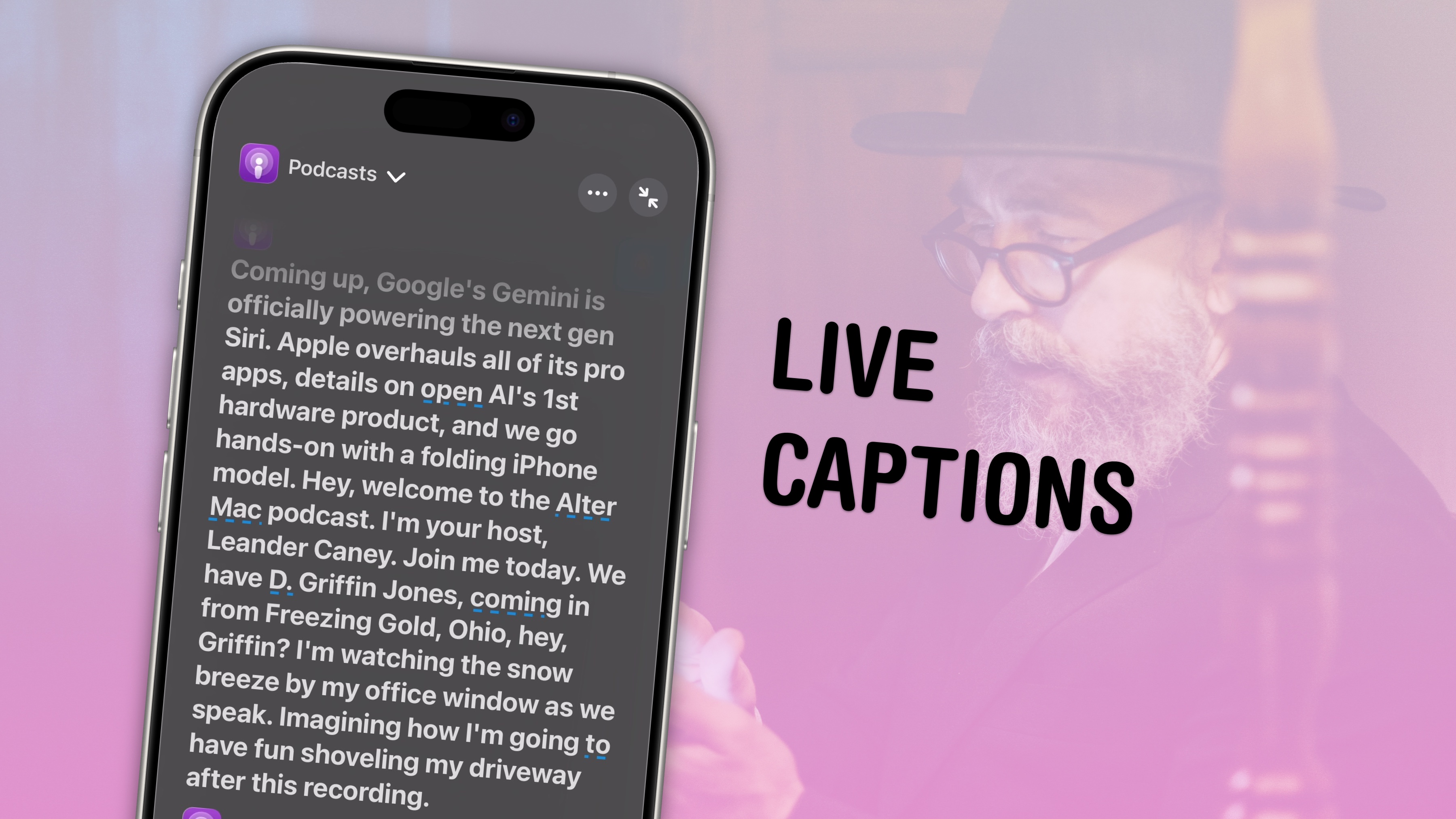
The iPhone’s Live Captions feature generates subtitles of any media playing on your device or heard by its microphone.
How to use Live Captions on iPhoneApple’s Live Captions feature turns your iPhone into a stenographer capable of instantly transcribing anything you hear.
Table of contents: How to use Live Captions on iPhoneTurn on and use Live CaptionsTo turn on the Live Captions feature on your iPhone, go to Settings > Accessibility > Live Captions (in the Hearing section) and enable Live Captions.
Use Live Captions on Apple WatchAs mentioned, you can use Live Captions on your Apple Watch, too.
Just open Control Center, tap the Hearing button, turn on Live Listen, then tap Live Listen Captions to get subtitles.